
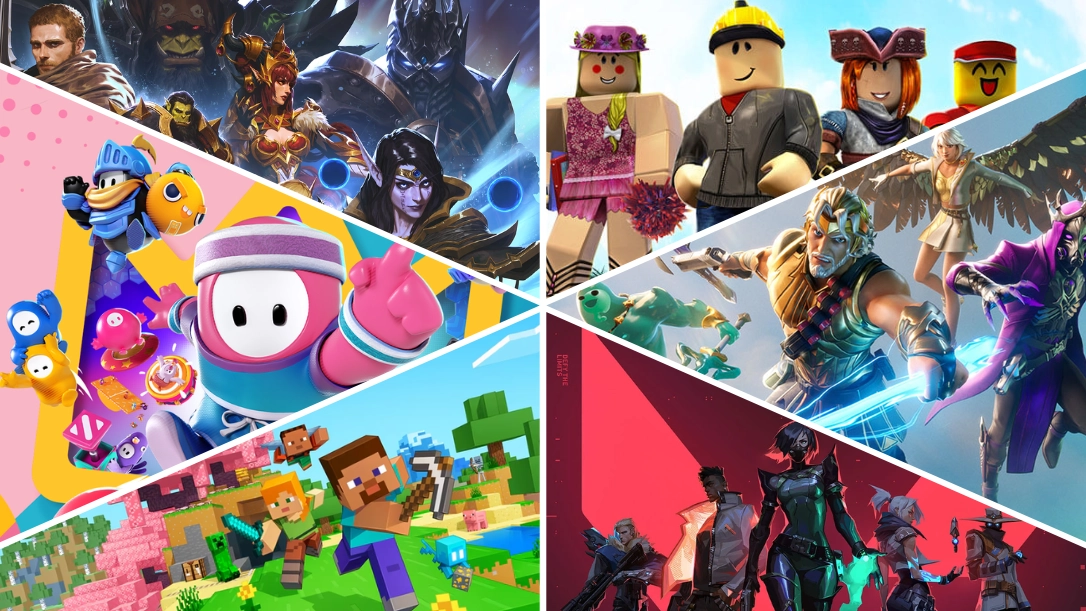
Gaming has become one of the easiest ways to enjoy some free time. Whether you like solving puzzles, racing cars, playing football or exploring virtual worlds, there is a game for almost every interest. The best part is that you do not always have to spend money to have a good experience. Thousands of free games are available on smartphones, computers and web browsers. Some can be opened instantly in a browser, while others are free downloads from official stores and trusted platforms. This variety means you can switch games depending on your mood, your time and the device in your hand. A quick round during a break or a long session on a lazy evening, free gaming fits both.
A proper free games guide helps beginners understand where to find games, which genres to try and what to check before downloading anything. Not every game offers the same quality, features or playing experience, even when the price is the same. Some are completely free, while others include ads, optional purchases or premium upgrades. Knowing these differences makes it easier to choose games that suit your interests and your budget. A few minutes of research at the start can save you a lot of frustration later.
In this guide, we will look at different types of free games and popular gaming categories. We will also share useful selection tips and simple habits for beginners. Finally, we will cover the safety precautions every player should know.
What Is a Free Games Guide?

A free games guide is a good starting point for anyone who wants to explore gaming without paying for expensive titles. It explains the main game categories, the platforms where you can play and the features that help you make better choices.
For beginners, gaming terms and platform options can feel confusing at first. A simple guide removes that confusion by telling you what to expect before you install or play anything.
For example, someone who wants quick entertainment may enjoy browser-based puzzle games. Another person who likes a bit of competition may be more drawn to free multiplayer games or sports challenges. The purpose of a guide is simply to help you find suitable entertainment without unnecessary expenses.
Different Types of Free Games to Explore
One of the biggest advantages of free gaming is the variety. You can move between genres depending on your mood, the time you have and the device you are using.
1. Free Puzzle Games
Puzzle games are a popular choice for people who enjoy solving problems and finishing small challenges. They include word puzzles, number games, matching challenges and logic-based activities.
These games are especially handy when your time is limited. You can finish a short level during a lunch break or play a few rounds while travelling.
Popular puzzle formats include:
- Sudoku and number puzzles
- Word search and crossword games
- Match-three challenges
- Memory games
- Brain-training puzzles
2. Free Action Games
Action games are made for players who enjoy fast gameplay, missions and exciting challenges. They may include combat, survival activities, obstacle courses and character-based adventures.
Some focus on completing individual missions, while others offer competitive online matches. Before installing an action game, check its age rating, device requirements and online interaction features.
3. Free Racing Games
If you love cars, motorcycles and speed, racing games are well worth a try. Free racing games often come with different vehicles, tracks, driving modes and competition formats.
Some offer realistic driving experiences, while others go for casual, arcade-style racing. You can play them on smartphones, computers and supported gaming devices.
4. Free Sports Games
Sports games let you enjoy digital versions of cricket, football, basketball, tennis and baseball. Some concentrate on single matches, while others add tournaments, team-building features and career modes.
They are a good option for sports fans who want some fun without buying a premium game.
5. Free Multiplayer Games
Multiplayer games make it possible to connect with friends and other players over the internet. Depending on the title, you might join team challenges, online competitions, cooperative missions or casual party games.
Before joining public matches, take a moment to review the game’s privacy and communication settings.
Where to Find the Best Free Games

Finding a suitable game becomes easier once you understand the platforms available. Each one has its own advantages.
Mobile Gaming Platforms
Smartphones are among the most convenient devices for free games. Official app stores offer thousands of options, including casual games, racing challenges, strategy titles and multiplayer experiences.
When choosing a mobile game, check these things:
- User ratings and recent reviews
- App permissions
- Storage requirements
- How often ads appear
- Optional in-app purchases
A game that looks great in promotional screenshots may feel quite different once you start playing, so recent player feedback is worth reading.
PC Gaming Platforms
PC gaming platforms host free-to-play games across many genres. You can explore action, adventure, strategy, simulation and competitive multiplayer titles.
Some games run on basic computers, while others need better graphics hardware and more storage. Check the minimum system requirements before downloading a large game. This one step can prevent installation problems and slow performance.
Browser-Based Games
Browser games suit people who prefer not to install extra software. Many casual games can be played directly in a compatible browser, which makes them very convenient for quick entertainment on laptops and desktops.
However, stick to trusted websites and stay away from suspicious ads or unexpected download prompts.
How to Choose the Right Free Games

Not every free game will suit every player. The right choice depends on your interests, your device and the way you like to play.
Consider Your Gaming Interests
Start by thinking about what you actually enjoy. If you like solving problems, try puzzle games. If you enjoy competition, explore racing or multiplayer titles. Players who prefer creative activities may like building and simulation games. Sticking to a familiar genre makes it easier to find something you will enjoy.
Check Device Compatibility
A game should run smoothly on your device. Some mobile games need newer operating systems, while PC games may require dedicated graphics hardware. Check the storage, RAM, operating system and internet requirements before you download.
Read Player Reviews
Reviews often reveal practical details that promotional descriptions leave out. Look for comments about controls, loading time, ads, bugs and recent updates. If several players mention the same problem, it may be better to try another option.
Understand Free-to-Play Features
Free-to-play does not always mean every feature is free. Some titles let you enjoy the main gameplay at no cost but charge for extra characters, cosmetic items, virtual currency or special upgrades. Read the purchase details carefully, especially if children use the device.
Useful Gaming Tips for Beginners
Starting with simple games makes the whole experience more enjoyable. You do not have to understand every feature or advanced setting right away.
Here are some practical tips:
- Start with games that have simple instructions and controls.
- Explore tutorials before entering competitive matches.
- Adjust sound and graphics settings to suit your device.
- Avoid spending money on upgrades you do not need.
- Take breaks during longer gaming sessions.
- Keep your games and devices updated.
- Use privacy settings when playing online.
It also helps to set a gaming schedule. For example, playing for 20–30 minutes after finishing your daily tasks gives you entertainment without disturbing your routine.
Are Free Games Safe to Play?
Most gaming platforms make it easy to find legitimate free games, but you should still be careful about downloads and online interactions.
Download games from recognised platforms rather than unknown websites. Avoid modified apps that promise unlimited rewards or paid features for free.
Pay attention to the permissions a mobile game asks for. A simple puzzle game has no reason to access unrelated personal information.
In multiplayer games, never share passwords, financial details, phone numbers or personal information with strangers. Parents should also check age ratings and communication features before letting children play.
Benefits of Playing Free Games
Free games offer several practical advantages beyond saving money.
Affordable entertainment: You can enjoy different gaming experiences without paying an initial price.
Wide variety: From word puzzles to adventure games, there are options for different interests and age groups.
Flexible access: Many games are available on mobile devices, computers and browsers.
Social interaction: Multiplayer games give you the chance to connect and compete with friends.
Easy exploration: You can try different genres and find your preferences without committing to expensive purchases.
The key is to choose games that offer enjoyable gameplay rather than focusing only on attractive graphics or promotional offers.
FAQ’s
1. What is a free games guide?
A free games guide helps beginners find, understand and choose games that can be played without an initial purchase.
2. Where can I find free games?
You can find free games on official mobile app stores, PC gaming platforms and trusted browser gaming websites.
3. Which free games are best for beginners?
Puzzle, racing, casual, sports and simple adventure games are good starting options.
4. Can I play free games on my mobile?
Yes, many free games are available for Android and iOS smartphones.
5. Are free games completely free?
Not always. Some games include advertisements, optional in-app purchases or premium upgrades.



Leave a Reply